Image to
Pixel Art
Upload an image and convert it to pixel art with adjustable settings.
Convert images to pixel art in seconds. Adjust colors and download PNGs.
Start Creating — Free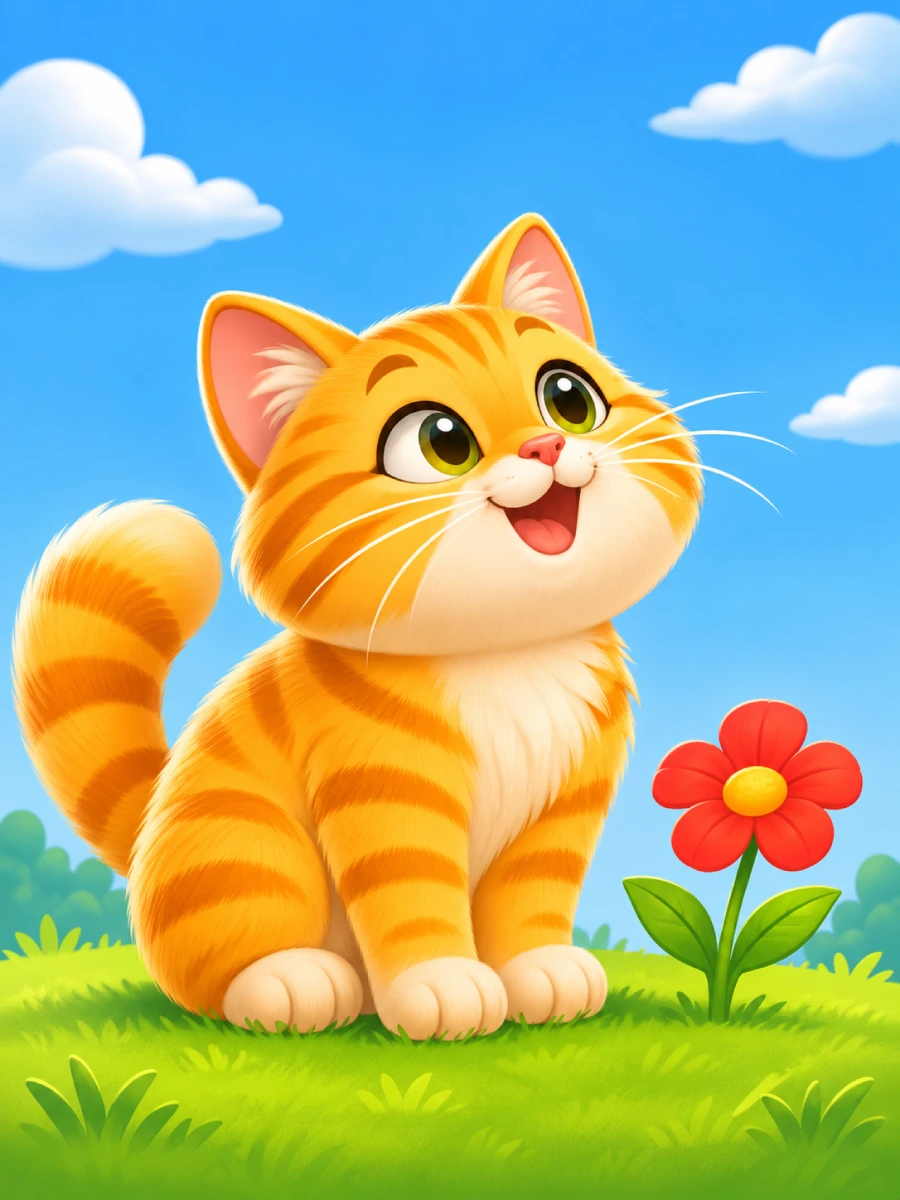 Original
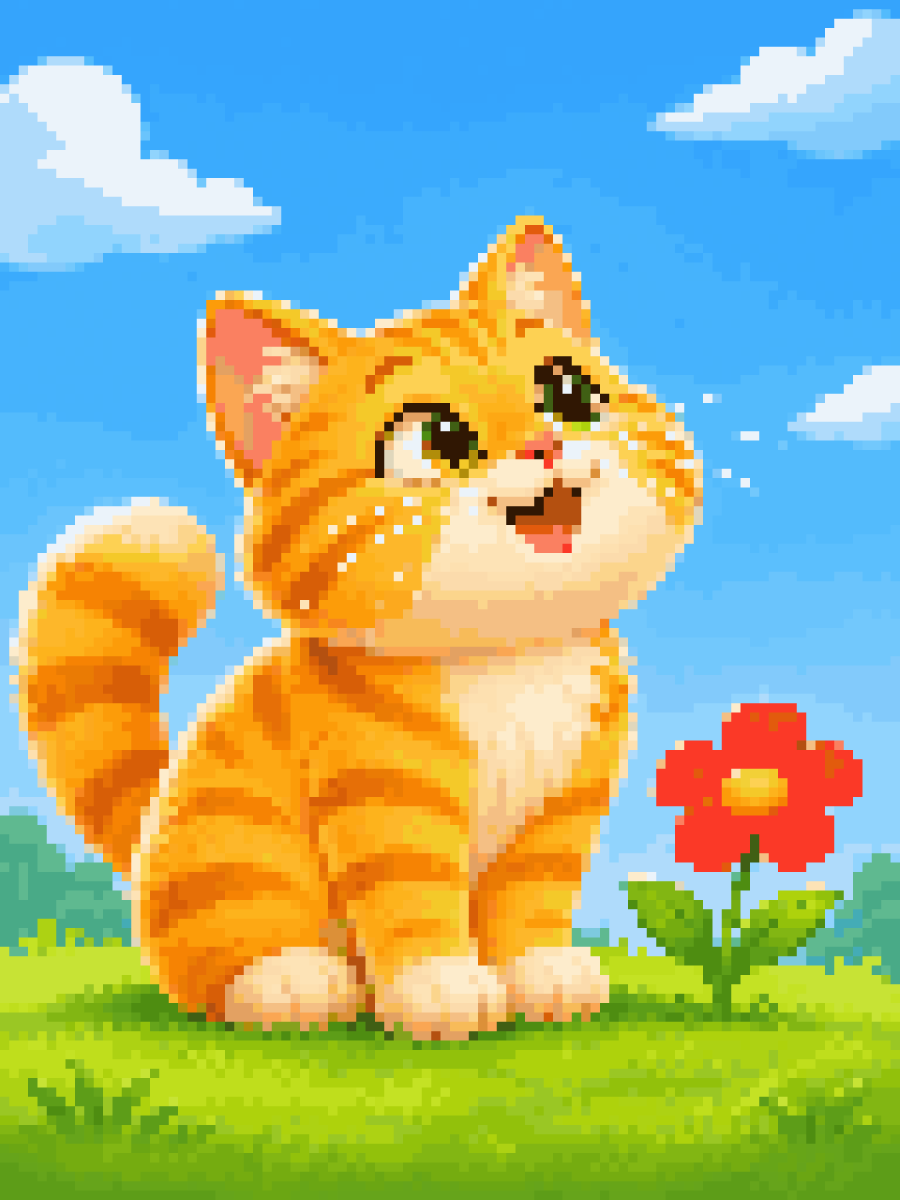 Pixel Art
Upload an image and convert it to pixel art with adjustable settings.
Control the pixel look with resolution and color options.
Create colorful, black & white, or sepia pixel art.
Edit pixel art using desktop drawing tools and layers.
Download your work as a crisp PNG file.
Pixirius is a free online pixel art tool for turning images and photos into pixel art. Choose a pixel resolution, reduce colors, or try black and white and sepia effects. Convert on desktop or mobile, then use the desktop pixel art editor to refine your artwork.
Upload an image → Adjust settings → Download PNG
Yes. Image conversion, desktop editing, and PNG downloads are free and require no signup.
You can convert images and download PNGs on mobile. Drawing tools and layers are available in the desktop editor.
Images are processed in your browser. The conversion and editing tools do not upload your artwork to Pixirius servers.
Pixirius is a simple, browser-based pixel art converter and editor. Create, customize, and export pixel art without installing software or signing up.